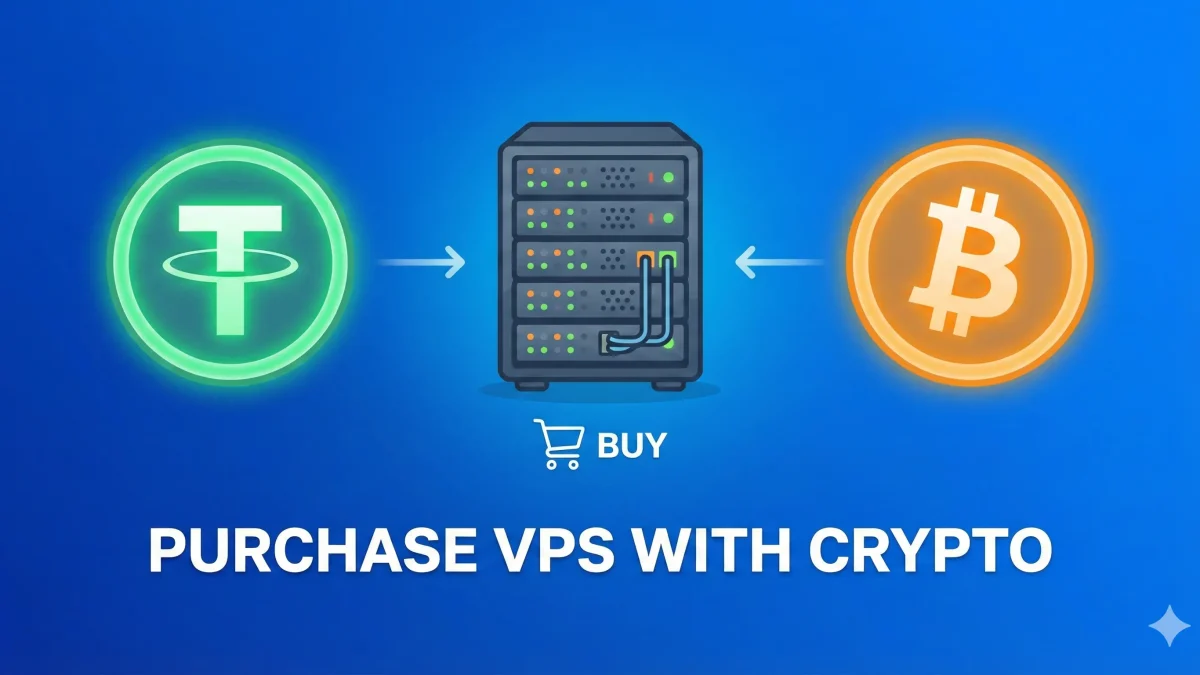
Cryptocurrency has revolutionized how we pay for services online. It offers privacy, lower fees, and instant global transactions. At SarvHost, we have fully embraced this future. If you hold USDT (Tether), Bitcoin (BTC), or Monero (XMR), you can deploy a high-performance VPS in less than 60 seconds without sharing your personal ID.
In this guide, we will walk you through the simple steps to buy your VPS using Crypto.
Step 1: Choose Your Server Location
First, decide where you want your server to be hosted. Location matters for latency and privacy laws:
- Germany (Frankfurt): Best for low latency in Europe and Forex trading.
- Netherlands (Amsterdam): Ideal for privacy and DMCA-friendly hosting.
- USA (New York): Perfect for targeting North American audiences.
- France (Paris): Great connectivity to Western Europe.
Step 2: Select Your Plan & OS
Once you navigate to the location page (e.g., Germany VPS), choose a plan that fits your needs. Click on “Order Now”.
Configuration Tips:
- Hostname: Choose any name (e.g., server1.yourname.com).
- Operating System: Select your preferred OS. We support Windows Server (2019/2022) and Linux distributions like Ubuntu, Debian, and CentOS.
Step 3: Checkout (No KYC Required)
This is the best part. Unlike other providers, we do not ask for your passport or phone verification.
- Enter your Email Address (so we can send you the server credentials).
- Set a strong password for your client area.
- That’s it! No ID card upload is needed.
Step 4: Select Payment Method
At the payment gateway selection, choose Cryptocurrency.
We accept major coins including:
- USDT (Tether): Supported networks include TRC20 (Tron) and ERC20 (Ethereum). We recommend TRC20 for lower gas fees ($1 or less).
- Bitcoin (BTC): The standard option.
- Monero (XMR): For maximum privacy.
- Ethereum, Litecoin & more.
Step 5: Complete the Transfer
A QR code and a wallet address will appear. Open your crypto wallet (like Trust Wallet, Binance, or MetaMask) and send the exact amount shown.
Important: Ensure you send the exact amount to avoid delays. Once the network confirms the transaction (usually within minutes), our system receives the signal.
Step 6: Instant Delivery 🚀
As soon as the payment is confirmed, our automated system provisions your VPS. Check your email inbox! Within 60 seconds, you will receive:
- Main IP Address
- Root / Administrator Password
- SSH / RDP Port
Ready to Start?
Buy your anonymous VPS now with the security of blockchain payments.
View VPS Plans & Pay with Crypto